Spark-Streaming day 1 (Hello World)
目標
寫一個 hello world spark-streaming 程式,然後使用 netcat 工具做測試.
netcat 工具
netcat 的功能非常多這邊只先介紹如何測試的方法 :
- 安裝 netcat
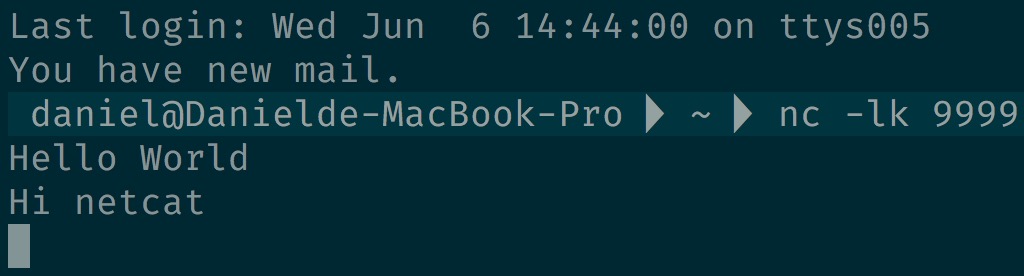
[root@daniel-3-test-master1 ~]# yum install nc Loaded plugins: fastestmirror base | 3.6 kB 00:00:00 cloudera-manager | 951 B 00:00:00 extras | 3.4 kB 00:00:00 local-cloudera | 2.9 kB 00:00:00 ... - 開一個 console 輸入 nc -lk 9999
daniel@Danielde-MacBook-Pro > nc -lk 9999 - 再開另一個 console 輸入 telnet localhost 9999
daniel@Danielde-MacBook-Pro > telnet localhost 9999 Trying ::1... telnet: connect to address ::1: Connection refused Trying 127.0.0.1... Connected to localhost. Escape character is '^]'.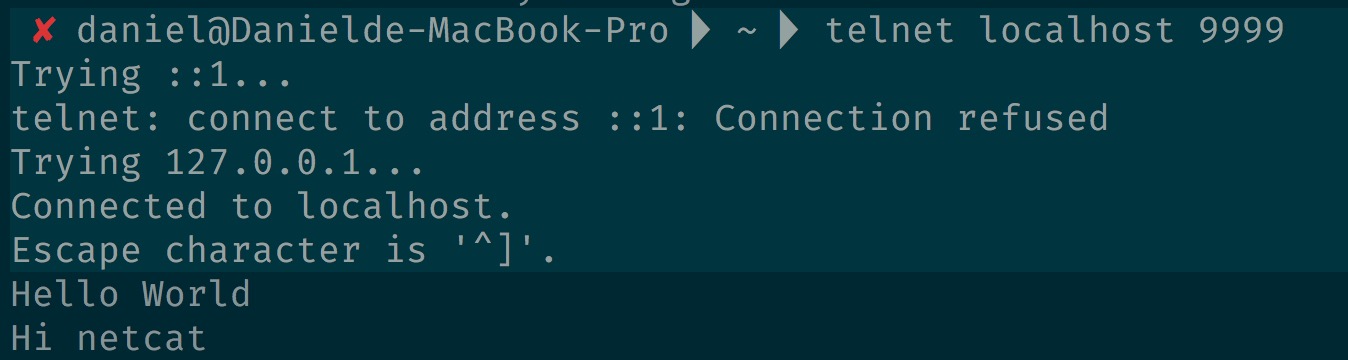 不管在哪個 cosole 輸入文字都會同步
- 將 netcat 的內容導到檔案裡 nc -lk 9999 > testNetCat.txt
 telnet
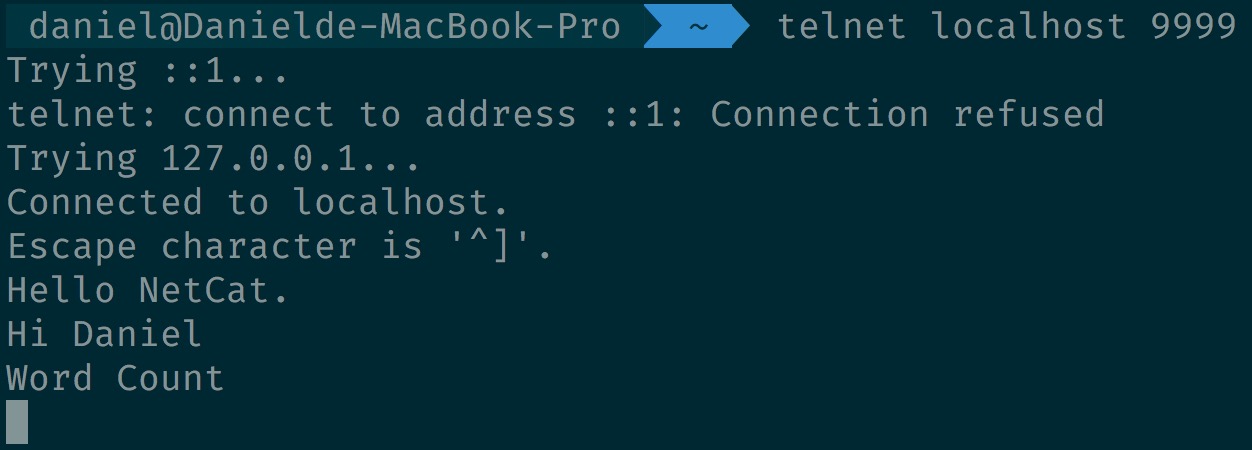 看檔案內容的變化,只有從 telnet 的 console 輸入的內容才會導到檔案裡

環境
CDH Spark2.2.0
啟動 spark-shell
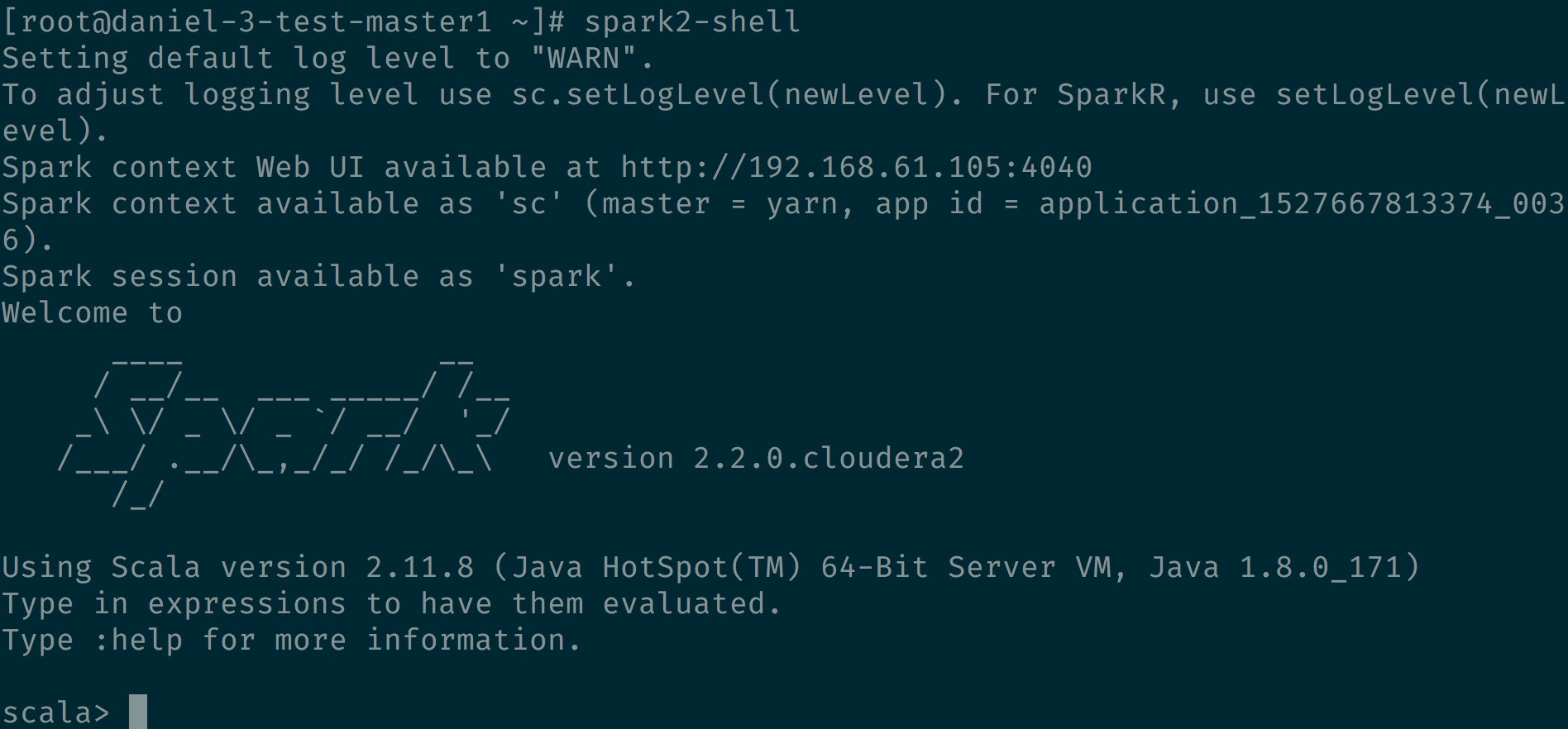
在 spark-shell 裡面輸入下面程式
ssc.socketTextStream(“daniel-3-test-master1”, 9988)
這邊要輸入 domain name ,試過輸入 IP 或 localhost 會 Connection refused 原因可能再研究.
import org.apache.spark._
import org.apache.spark.streaming._
val ssc = new StreamingContext(sc, Seconds(1))
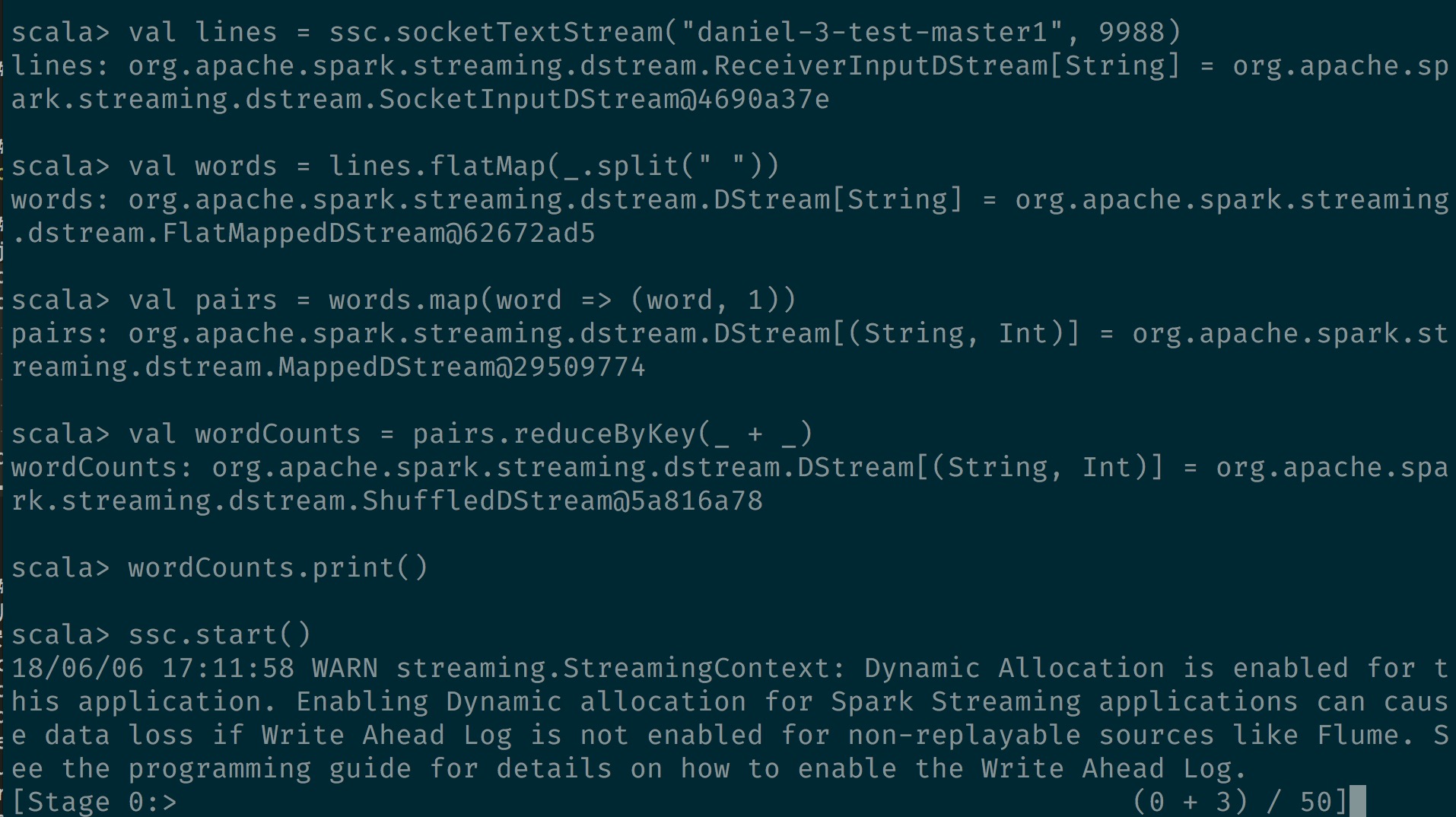
val lines = ssc.socketTextStream("daniel-3-test-master1", 9988)
val words = lines.flatMap(_.split(" "))
val pairs = words.map(word => (word, 1))
val wordCounts = pairs.reduceByKey(_ + _)
wordCounts.print()
ssc.start()
然後執行 ssc.start()
在使用 netcat 輸入一些訊息

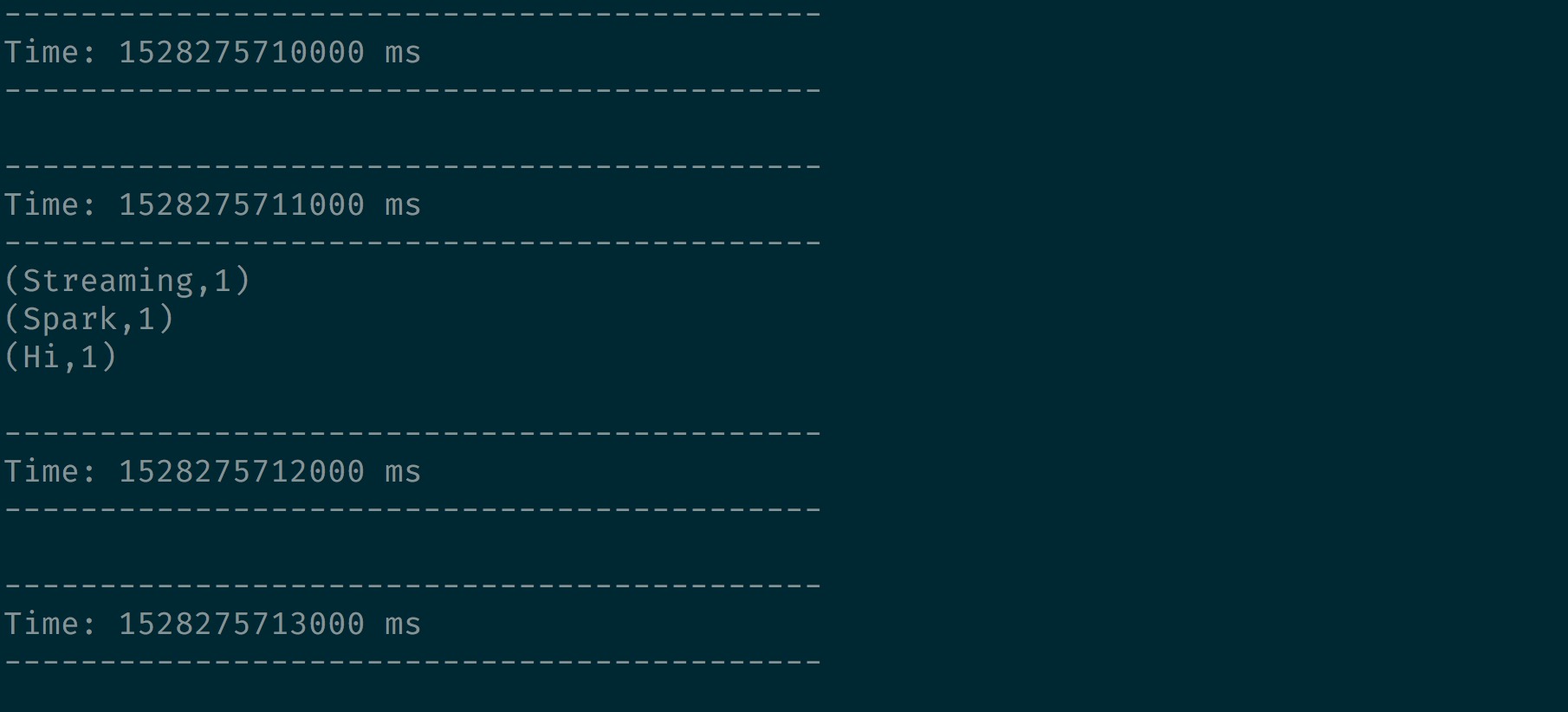
印出的結果如下,系統會每 1 秒執行一次 job